
Fair elections for your group or organization
Ballot Simplified runs ranked choice and plurality elections for boards, HOAs, clubs and committees. Members vote on their phone or on paper, and you get clear results, round by round.
Already have ranked results in a Google Form? The free calculator counts them in seconds.

From nominations to results in four steps
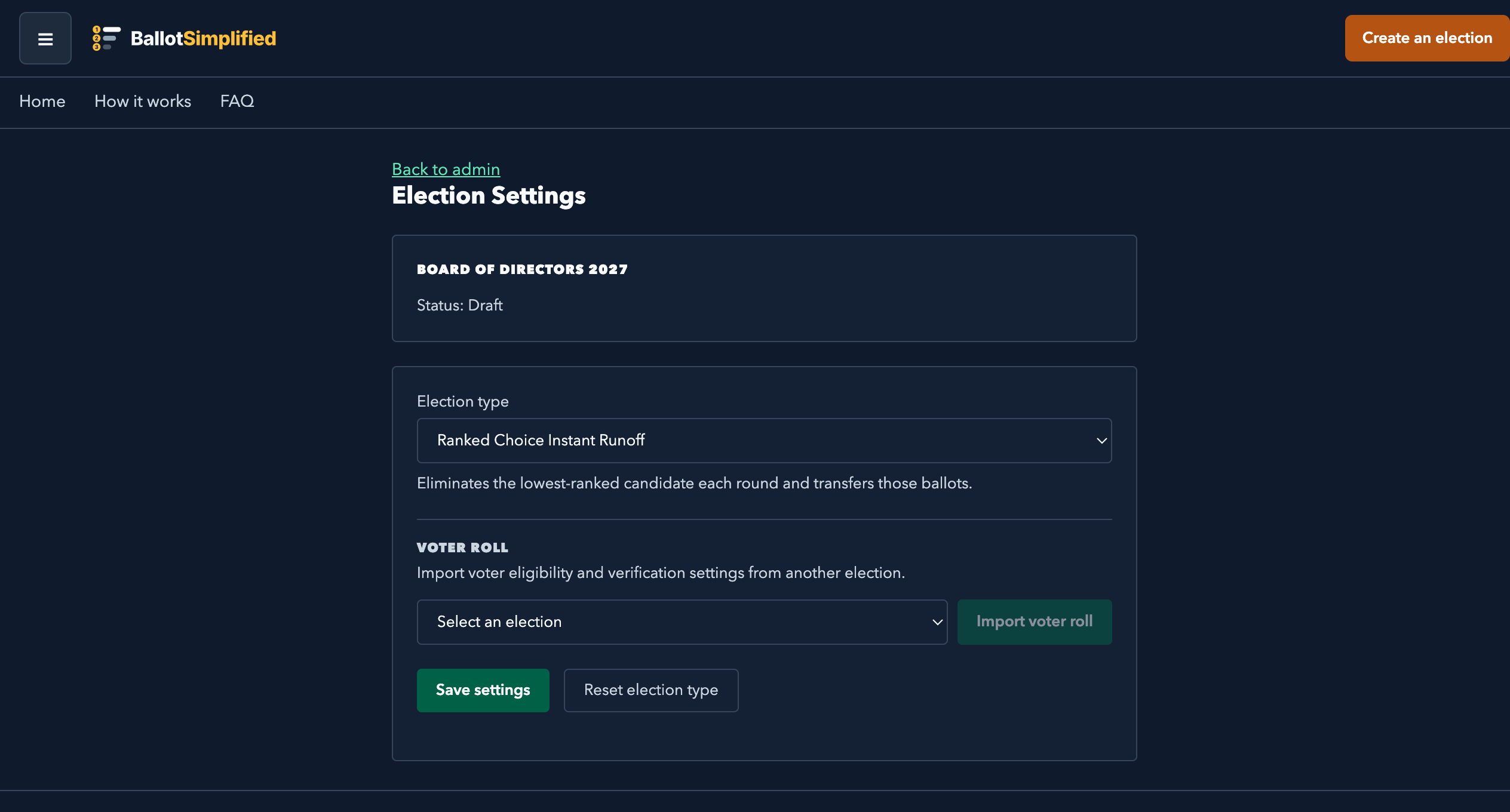
Set up your election
Name it, pick ranked choice, plurality or multiple seats, and set how voting closes: by hand, on a timer, or after a set number of votes.
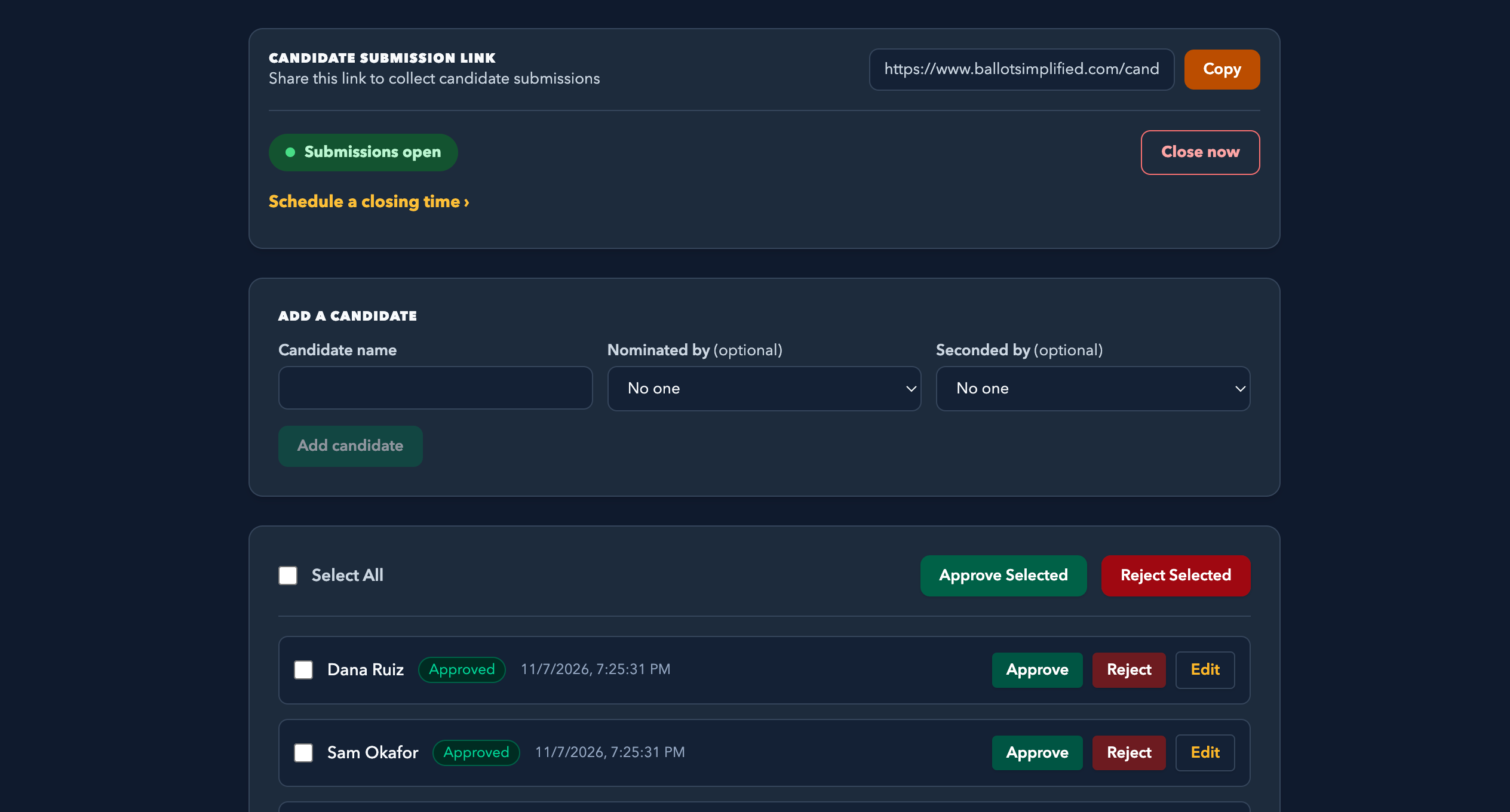
Gather candidates
Share a link for nominations, then approve, edit or reject each one. Or add the candidates yourself.
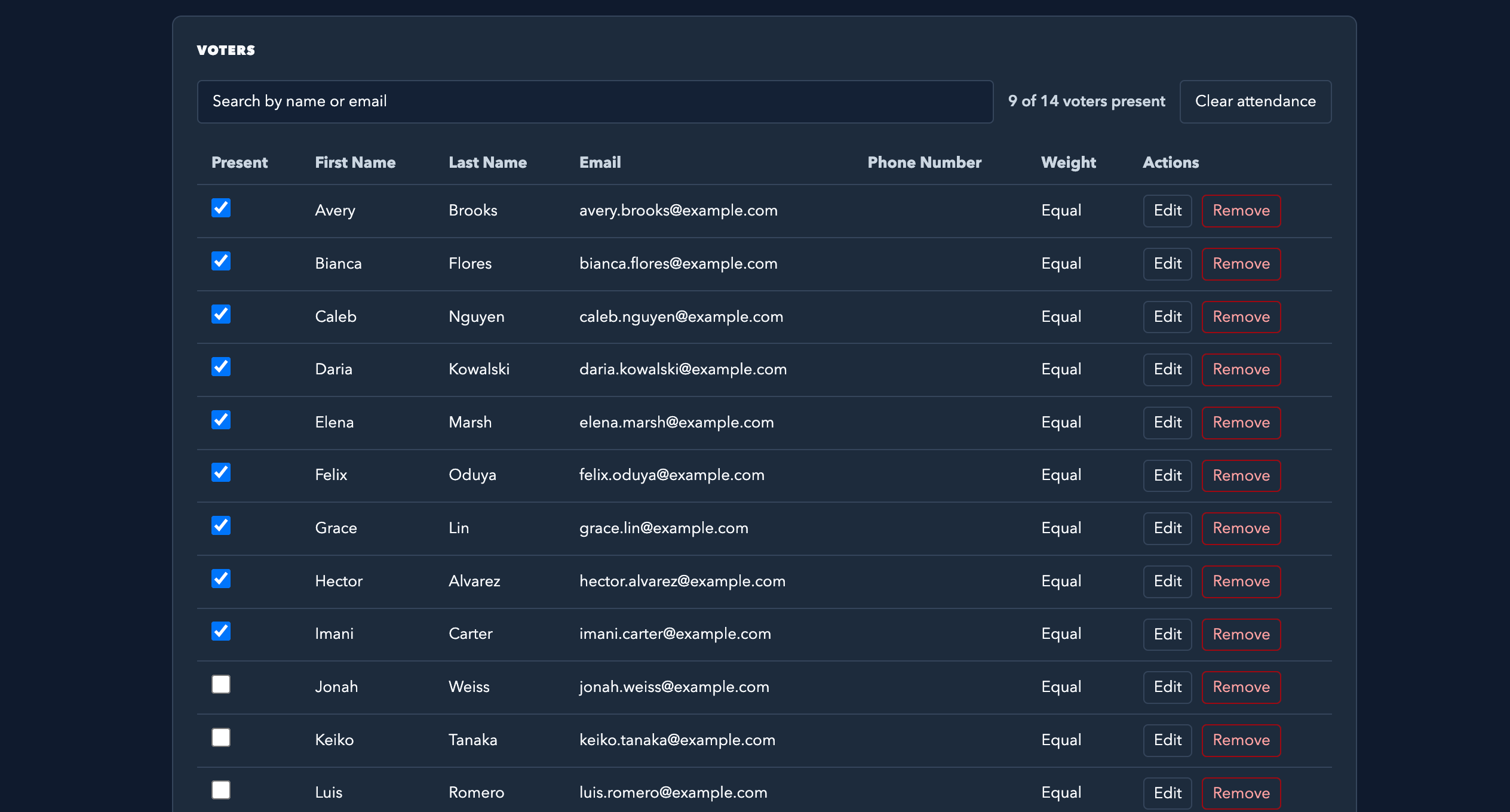
Invite your voters
Share the voting link, or print paper ballots for anyone who'd rather not vote online. Add a voter roll to control who can vote.
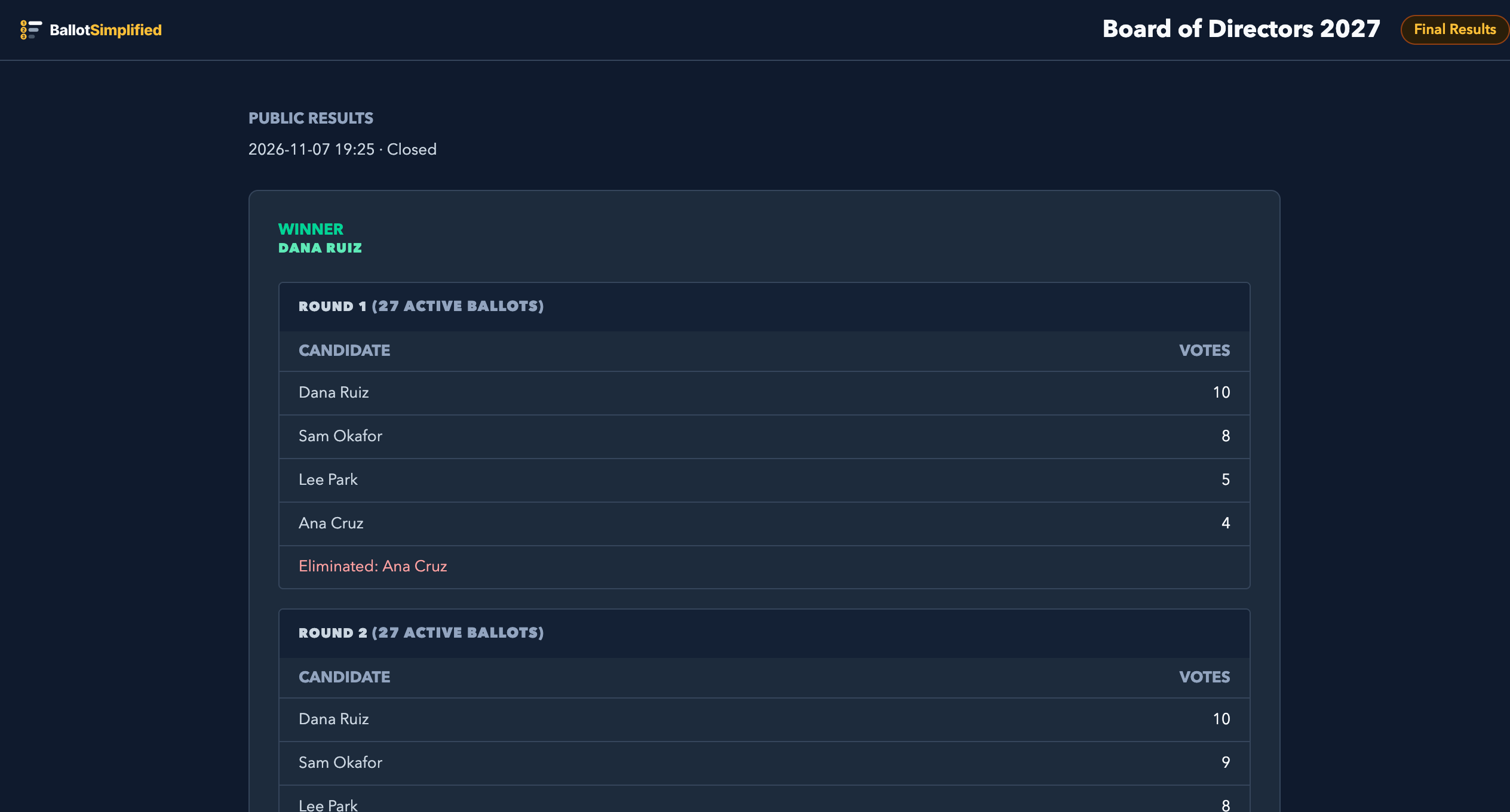
Close and count
See every round of counting and share a public results page, where voters can confirm their own ballot was counted. Download the records for an audit.
Everything an election needs, and nothing it doesn't
Ranked choice, done right
Instant runoff, plurality, or multi-seat elections, with every round of counting shown.
A voter roll you control
Limit voting to your members, confirm who's voting by email, and stop anyone voting twice.
Weighted votes
Give owners one vote per unit or a share of the total, for HOAs and shareholder votes.
Proxies
Let a member vote on behalf of someone who can't attend, once both of them agree.
Several elections at once
Run more than one election at the same time, each with its own candidates, voters and results. Switch between them from the menu.
Records for audits
Download the candidate list, the voter roll and the full results whenever you need a record of the vote.
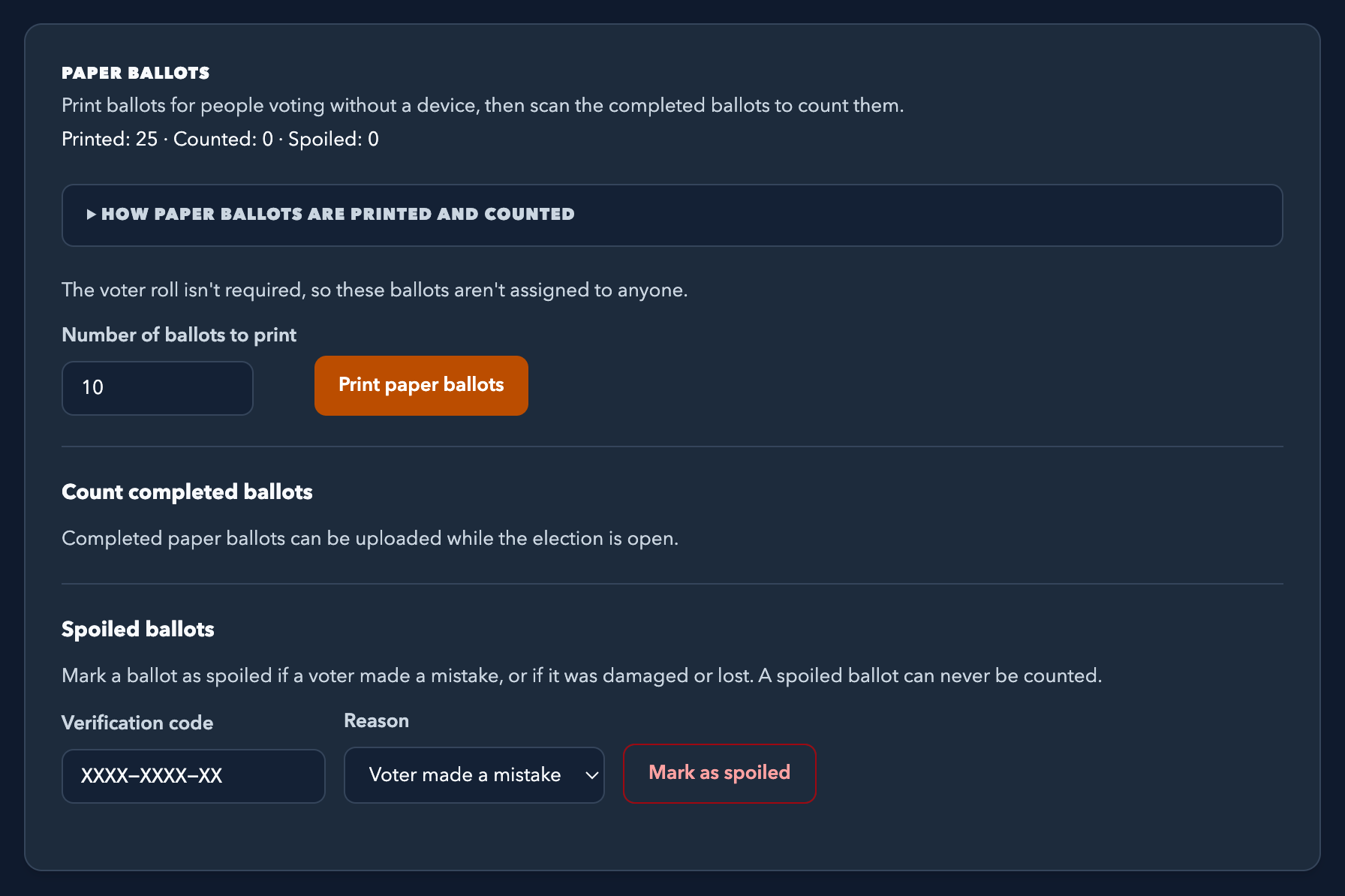
Paper ballots, counted for you
Print ballots, then scan the completed ones. Unclear marks come back to you to decide.
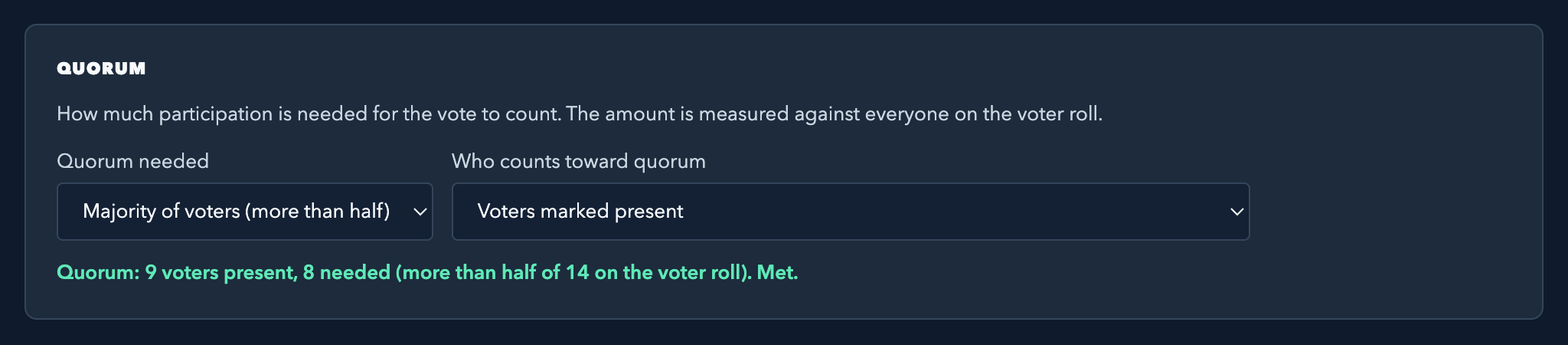
Quorum and attendance
Check members in at the meeting and see whether you've reached quorum as people arrive.
Made for groups that vote together
Boards and HOAs
Weighted votes, quorum, proxies and paper ballots for annual meetings and board elections.
Clubs and societies
Pick the next book, the next venue or the next president, with a ranked vote everyone understands.
Committees and associations
Fill several seats at once, and give members a public results page they can check.
Votes are never linked to voters
- The app records who voted, separately from what they voted. No ballot carries a name.
- Every ballot comes with a code the voter keeps. After voting closes, they enter it on the public results page to confirm their vote was counted, anonymously.
- Audit downloads show who took part, never how anyone voted.
Entered on the public results page after voting closes, it confirms that ballot was counted as cast. Nobody else can tell whose code it is.
Ready to run your next election?
Set it up in a few minutes. Your voters don't need an account.